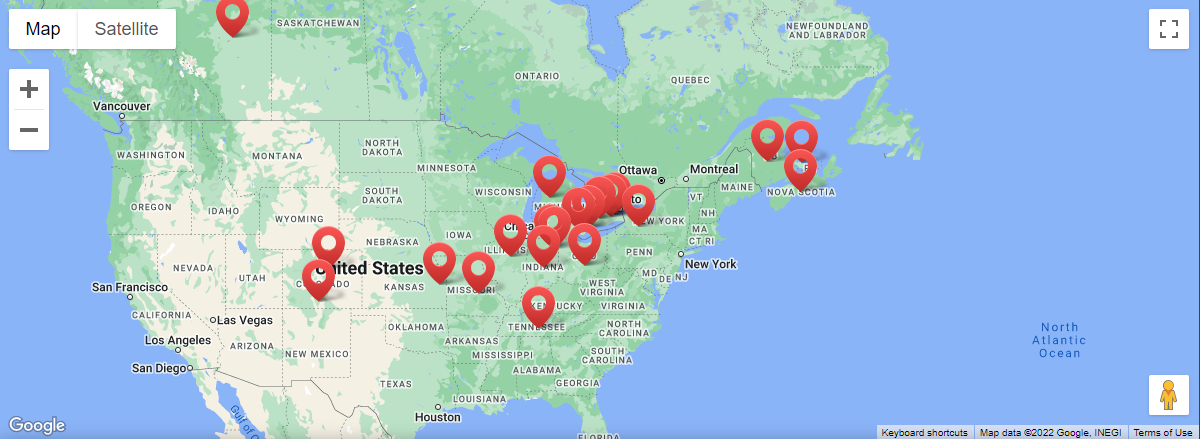
Gravel Doctor Opportunities Available Now
Contact Your Local Gravel Doctor ® Directly
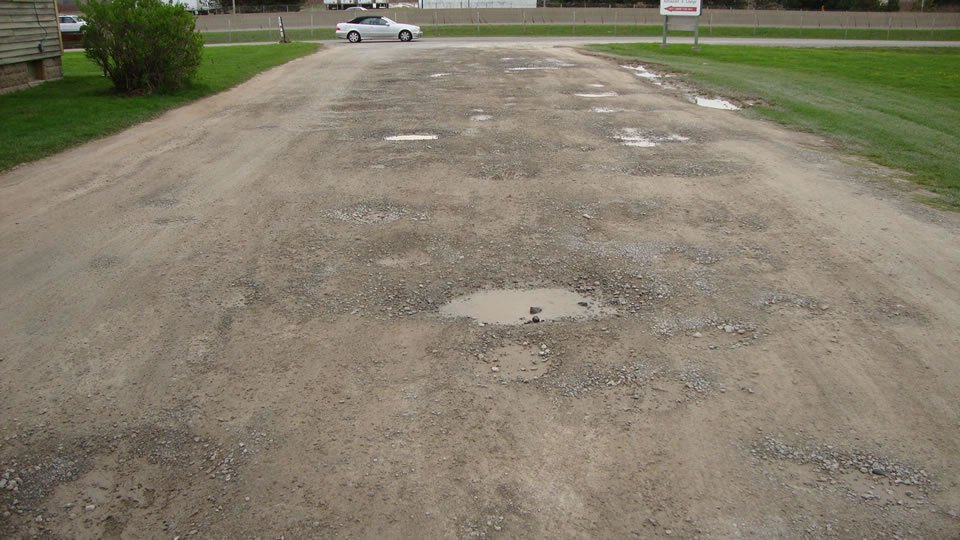
Eliminate Potholes, Ruts, Grass And Weeds
The Gravel Doctor ® quickly removes and recycles existing gravel, instantly compacting it into a rut resistant surface. Potholes, ruts, weeds and grass are gone, replaced by a smooth fully restored surface.
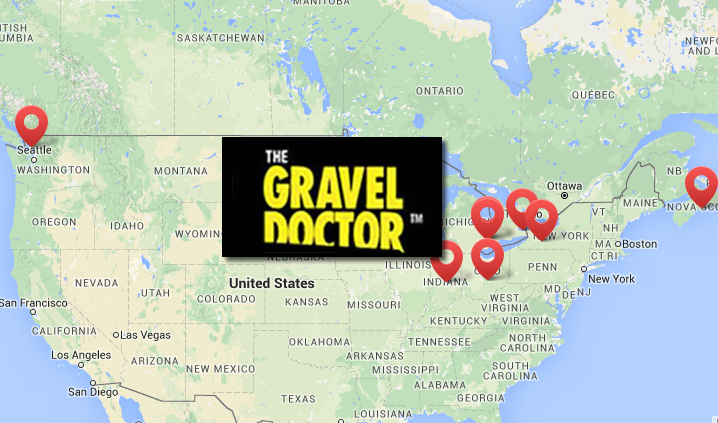
Opportunities Available!
The Gravel Doctor ® is a unique recycling, leveling and restoration machine that completely removes potholes, ruts, grass and weeds from gravel roads, gravel driveways and other un-paved surfaces. It’s an affordable green technology opportunity!
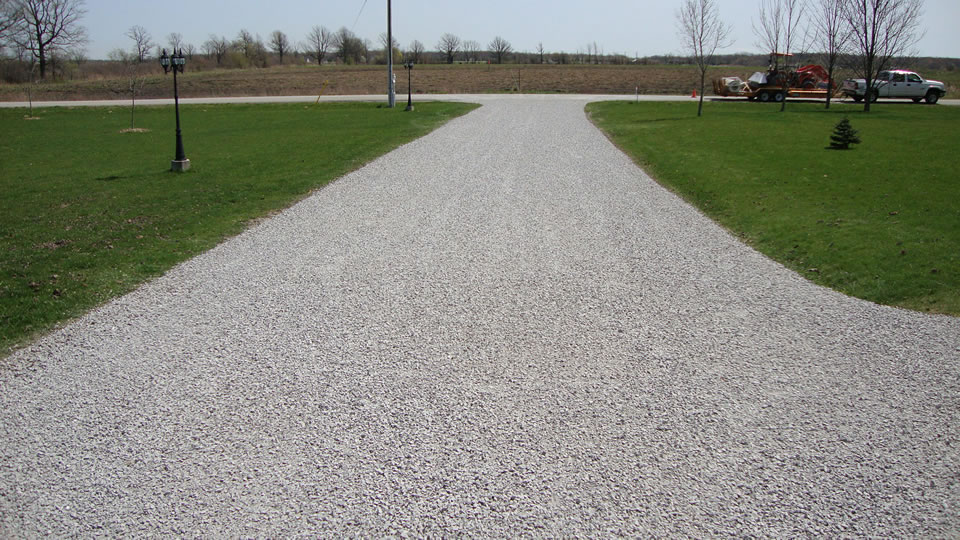
Driveway Repair Made Easy
Unlike graders and other heavy equipment the Gravel Doctor ® can easily service previously inaccessible areas such as corners and areas adjacent to building and curbs. Quickly restores gravel driveways, gravel roadways and gravel parking lots.
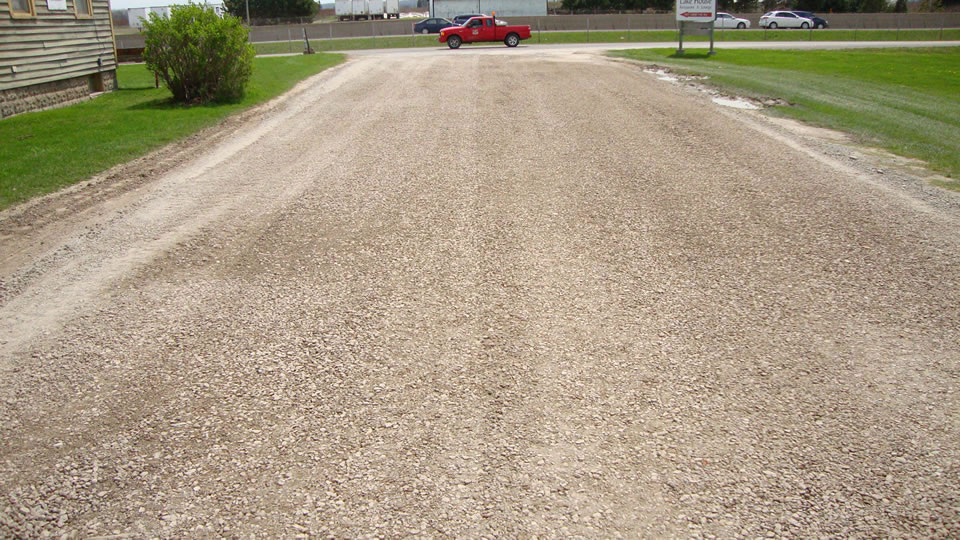
Commerical Driveways
The Gravel Doctor ® delivers a unique restorative solution to driveway maintenance that’s cost and time efficient, with no interruption to your commercial activity. Green technology at its very best! Remove, recycle and restore – economical surface restoration made easy!
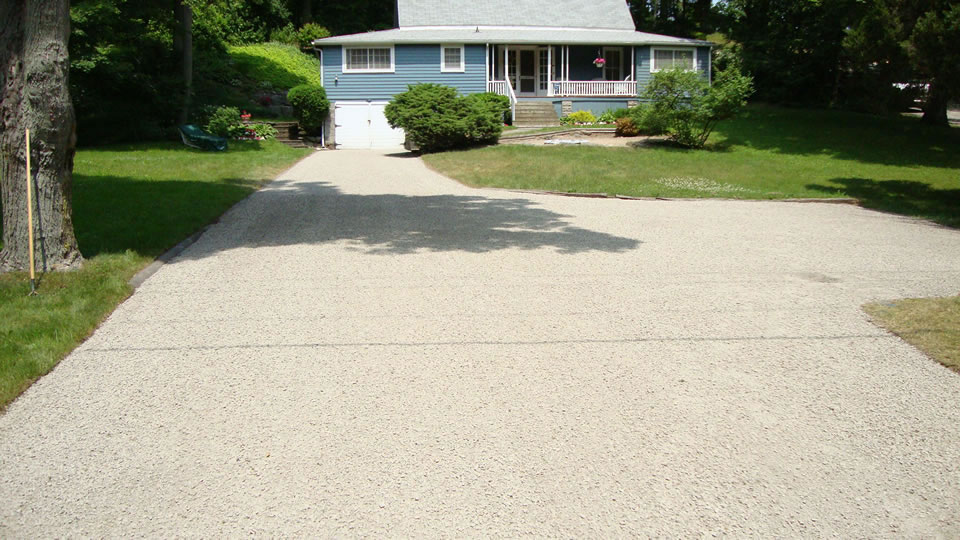
Residential Driveways
The Gravel Doctor ® is a revolutionary recycling, leveling and restoration machine that removes and recycles existing gravel, instantly compacting it into a level, rut resistant surface. Potholes, weeds and grass disappear, leaving a beautifully restored driveway.
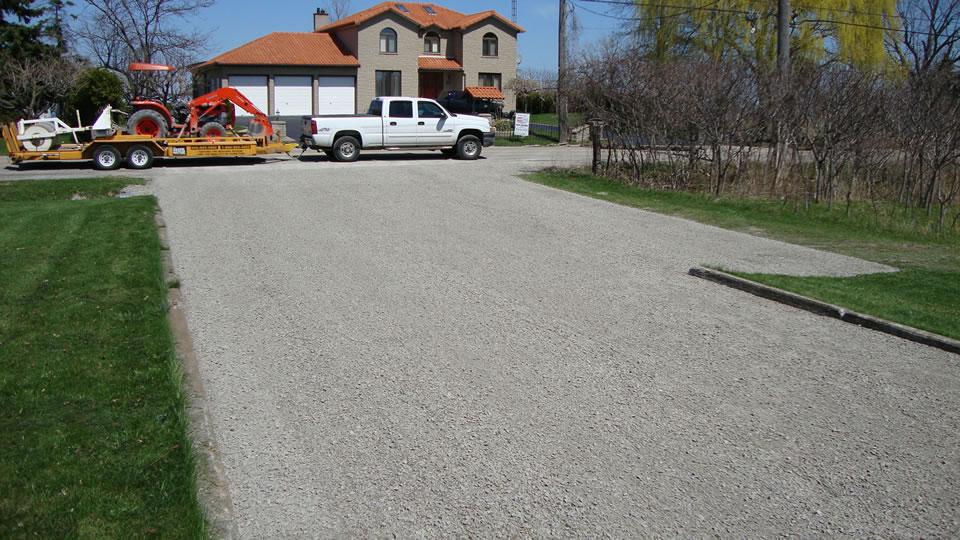
The GRAVEL DOCTOR BUSINESS
The Gravel Doctor ® fills an untapped market in road and surface restoration. Your Gravel Doctor includes an exclusive territory and presence on our website. Change your life with a money-making business. It’s an affordable green technology business opportunity!
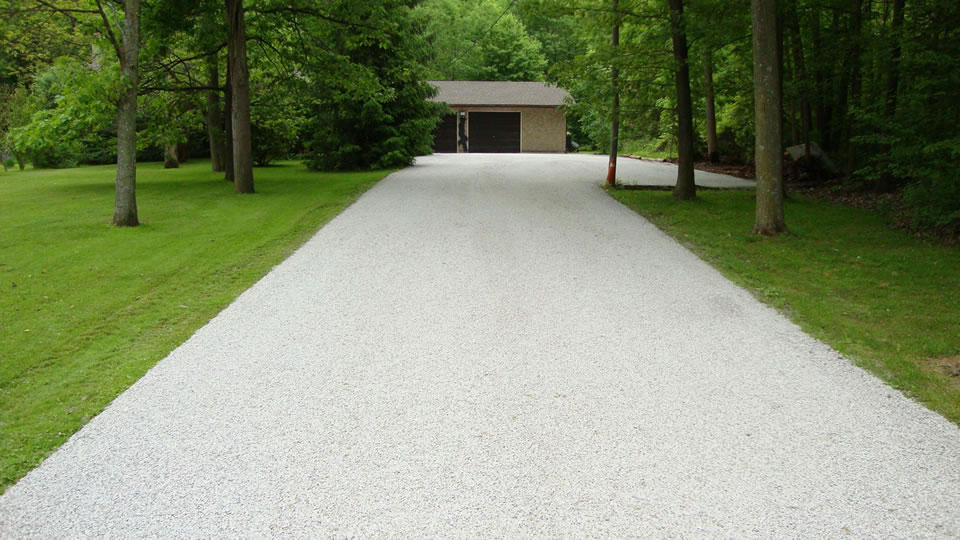
Gravel Gallery
The Gravel Doctor ® delivers a unique restorative solution to driveway maintenance that’s cost and time efficient, with no interruption to your commercial activity. Green technology at its very best! Remove, recycle and restore – economical surface restoration made easy!
“I have no hesitation in recommending your services to other interested parties” Alex Wheeler – RER Officer
“The (Gravel Doctor) process surpasses the grader method in length of time before recontitioning (is required). Roger Ferguson – UTS111
“This is truly a great system at a reasonable price”.
Mike Showers Sr – Global Operations Mgr
“Since we have been using the Gravel Doctor we have not had to add any extra gravel”. Bruce Hill – Purchasing Supervisor
YOUR CHANCE AT FREEDOM
MAKE MORE MONEY AND SPEND MORE TIME WITH YOUR FAMILYWORK IN THE GREAT OUTDOORS AND BE YOUR OWN BOSS!
NO GRAVEL ADDED
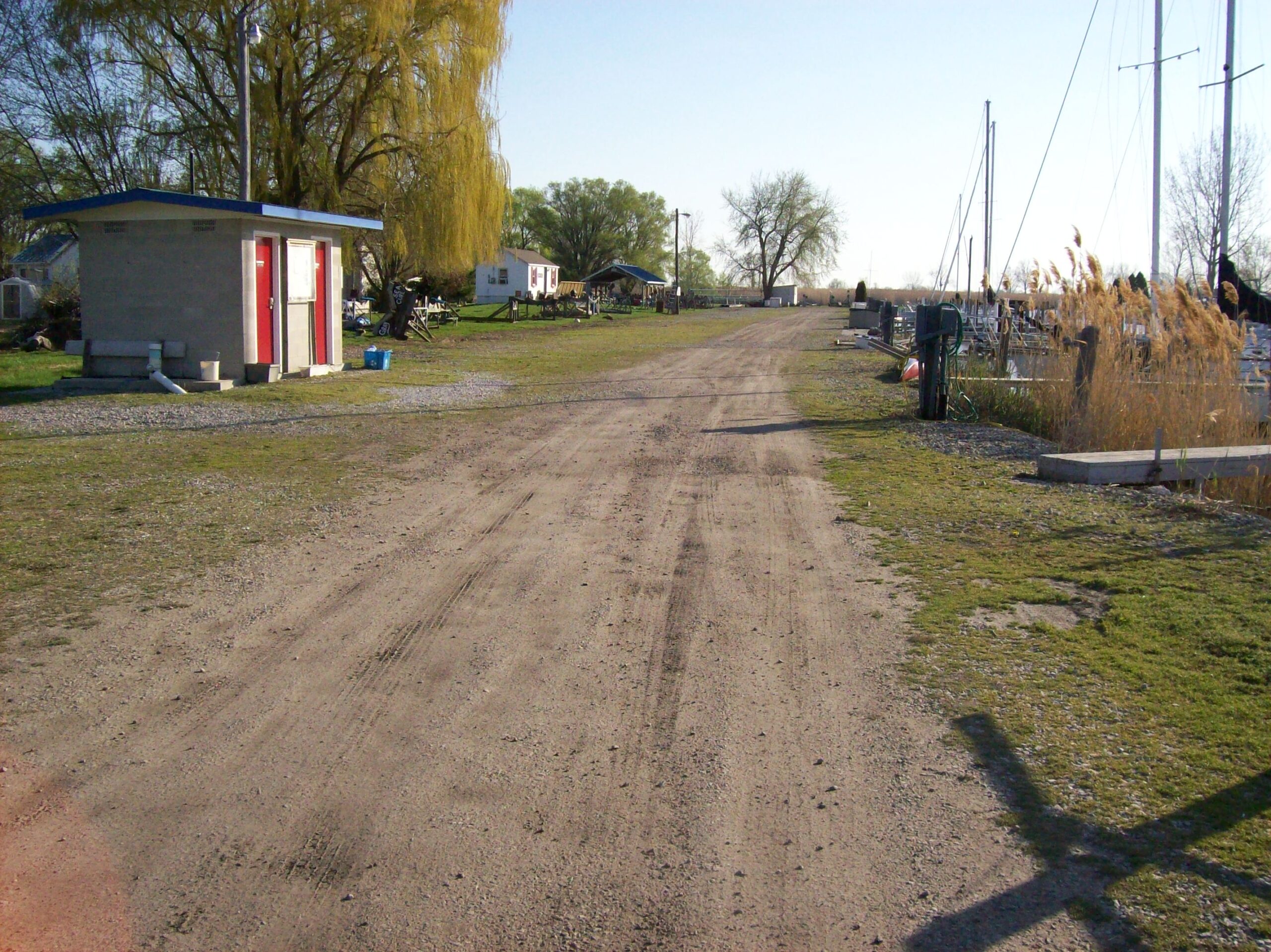
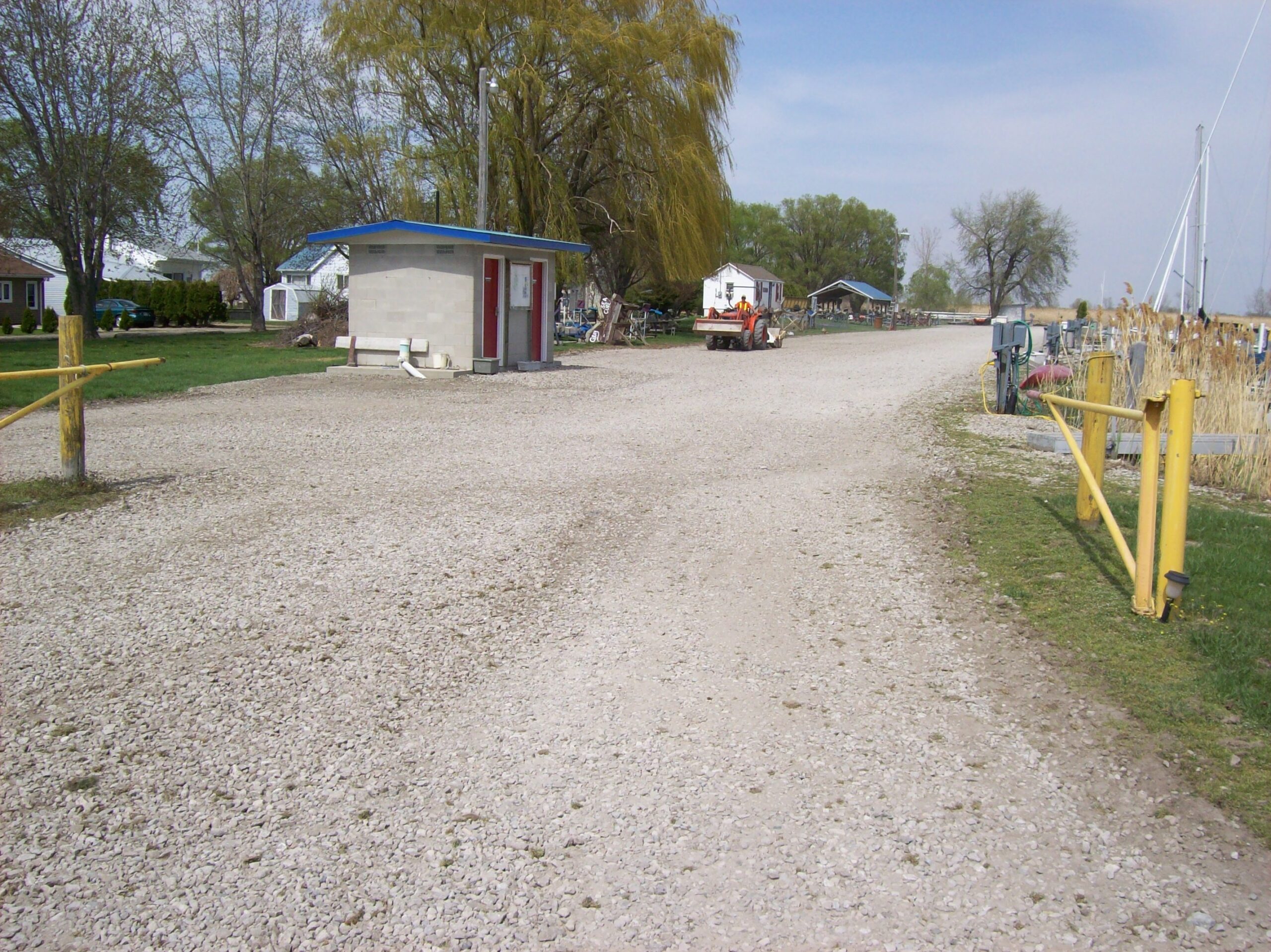
Gravel Doctor ® Opportunities Available
The Gravel Doctor Business is a ROCK SOLID OPPORTUNITY
The only business that gives you the basis for a lifetime of job security is your own. As an independent business owner, your Gravel Doctor business provides the solid foundation you need to build your own successful enterprise and enjoy a more secure future.